Turn Feedback into Action with BugSmash's Visual Task Management
Gathering feedback is only the first step, acting on it quickly is what drives projects forward. BugSmash integrates seamlessly with task management tools to ensure feedback flows directly into your team’s workflow.
Get Started Free⭐️ Loved by 1,250+ brands across the Globe
Introduction
What is Task Management Integration & Why it Matters
Task management integration bridges the gap between feedback collection and execution by syncing comments directly into project management tools.
Without integration, teams waste time copying feedback into tools like Jira or Slack, increasing the risk of lost context or missed issues.
BugSmash makes the process effortless by instantly pushing feedback to Jira or notifying the right Slack channels, so every comment becomes a clear, trackable task.
Challenges
Common Challenges in Task Management Without Integration
When feedback tools don’t connect with task management platforms, teams face unnecessary delays and confusion.
Manual Task Entry
Feedback has to be copied into task tools, wasting time and creating errors.
Lost Context
Important details get lost when transferring comments without attachments or annotations.
Slower Turnaround Times
Delays between receiving feedback and logging it as a task slow down progress.
Lack of Prioritization
Tasks often enter the system without clarity on urgency or ownership.
Duplicate Work
Teams may log the same feedback in multiple places, leading to confusion.
Poor Team Visibility
Not everyone sees the feedback updates if they stay outside the task management tool.
Our Solution
How BugSmash Solves Task Management Integration
BugSmash removes the manual handoff between feedback and task management tools, making collaboration frictionless.

Automatic Task Creation
Turn feedback into Jira issues instantly, no manual work required.

Slack Notifications
Keep your team aligned with real-time updates directly in Slack channels.

Full Context Sync
Feedback includes attachments, annotations, and threaded replies for clarity.

Prioritize & Assign
Assign feedback directly within BugSmash so it flows into the right hands.

Bring everyone together
No more chinese whispers and to-n-fro in feedback. Get things done quickly and move to approval.
More Features
Everything you didn’t know you needed, until now.
Explore the features that quietly make your team faster, smarter, and more aligned.

Everything in One Place
Attach Supporting Files for Comments

Flexible Sharing Controls
Control who can view, comment, and collaborate with ease

Anonymous Commenting
Allow feedback without requiring sign-ups or accounts

Private Comments
Share feedback discreetly with secure, hidden comments

Time-Bound Comments
Leave comments tied to specific timestamps for precise feedback.

Prioritize & Assign Feedback
Organize, prioritize, and assign feedback for faster resolution.

Real-Time tracking
Track comments live and stay updated in real time

Real-Time Notifications
Get instant updates on feedback, mentions, and changes.
Step-by-Step Workflow
Task Management Integration Workflow Made Simple
Structured workflows ensure feedback moves seamlessly into tasks with no lost details or extra steps.
 Step 1
Collect Feedback
Designers, developers, or stakeholders leave feedback with annotations, attachments, and threaded replies.
- Step 2
Sync to Task Tool
BugSmash pushes the feedback into Jira or notifies the right Slack channel instantly.
- Step 3
Assign Ownership
Project managers or team leads assign the feedback as tasks to the correct role.
 Step 4
Track Progress
Real-time updates ensure no comment gets lost or overlooked.
 Step 5
Close the Loop
Once resolved, teams can mark tasks complete, ensuring clear communication with all stakeholders.
Who It Helps
Who Gains from Using BugSmash for Task Management Integration
Every role benefits from turning feedback into trackable, actionable tasks without manual effort.
| Designers | Developers | Project Managers | Stakeholders & Clients |
|---|---|---|---|
| See tasks created with exact visual feedback. | Get actionable tickets with full context. | Avoid manual data entry into Jira or Slack. | Review feedback knowing it flows into real tasks. |
| Reduce time clarifying vague requests. | Track progress directly from integrated systems. | Assign and prioritize feedback instantly. | Gain confidence that input won’t be overlooked. |
| Manage design changes tied to clear tickets. | Eliminate duplicate work from scattered feedback. | Keep the team aligned with real-time updates. | Approve knowing your feedback is acted on quickly. |
| Collaborate in threads without losing context. | Receive notifications as feedback becomes tasks. | Maintain schedules with faster task creation. | Experience smoother, faster project delivery. |
Testimonials
What our customers say
Real stories from agencies and product teams using BugSmash to simplify reviews.

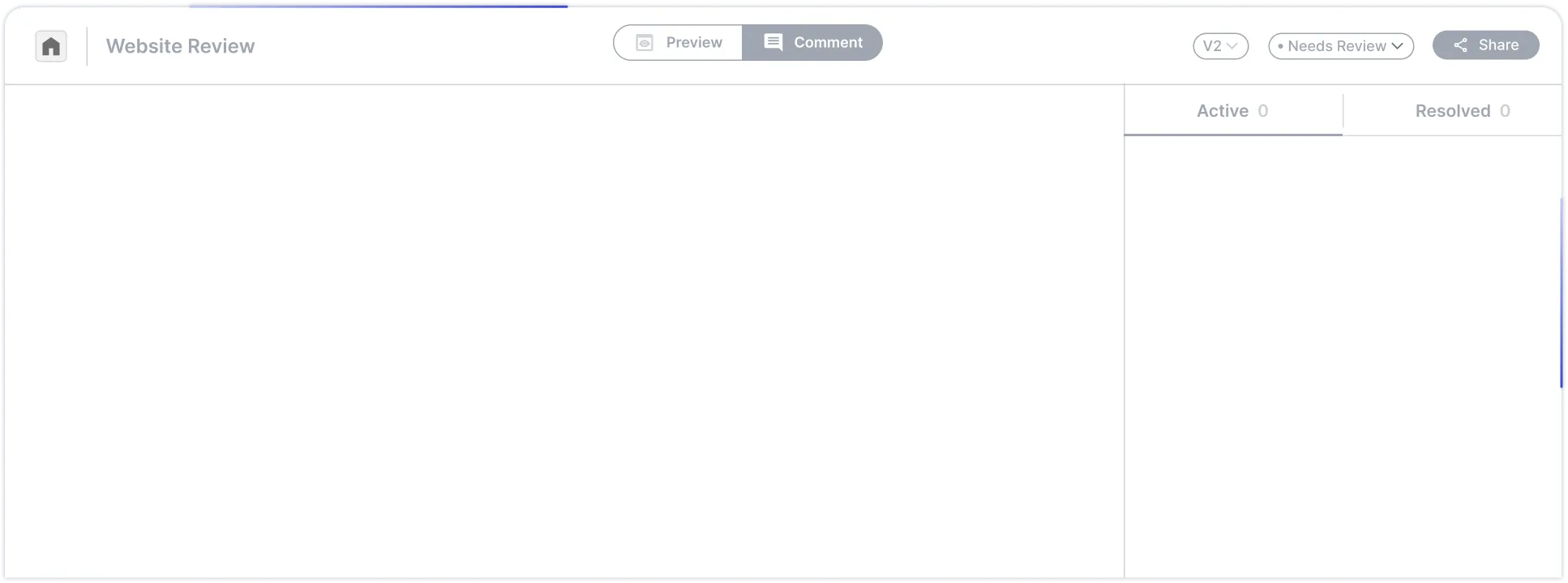
Connect Feedback to Tasks and Keep Projects Moving
BugSmash makes it simple to turn comments into tasks, cutting out delays and ensuring nothing falls through the cracks.
Get Started Free