Streamline User Acceptance Testing with Clear, Contextual Feedback
UAT is critical for ensuring software meets business needs, but it often slows down due to scattered feedback and unclear priorities. BugSmash centralizes collaboration, helping teams capture precise UAT input and move quickly to approval.
Get Started Free⭐️ Loved by 1,250+ brands across the Globe
Introduction
What is User Acceptance Testing & Why it Matters
User Acceptance Testing (UAT) is the phase where stakeholders, end-users, or clients validate whether a product meets business needs before launch. It’s the final checkpoint before release.
Traditional UAT processes rely on spreadsheets, emails, or disconnected tools, which cause confusion, duplicate feedback, and slow approvals.
BugSmash solves these inefficiencies by centralizing UAT feedback into a single platform, where annotations, comments, and approvals are clear, trackable, and easy to manage.
Challenges
Common Challenges in UAT
Teams running UAT frequently encounter roadblocks that slow down testing and sign-off.
Scattered Feedback
UAT comments come from multiple channels, making them hard to consolidate.
Lack of Context
Vague notes without annotations force teams to guess what testers mean.
Version Confusion
Stakeholders sometimes review outdated builds, creating duplicate issues.
Delayed Responses
Final sign-off drags when stakeholders struggle with inefficient tools.
No Clear Prioritization
High-impact issues get mixed with minor suggestions, delaying release.
Misalignment Across Roles
Testers, developers, and clients lack a shared view of UAT progress.
Our Solution
How BugSmash Solves UAT
BugSmash gives teams a centralized, collaborative space to collect and manage UAT feedback. By providing context, prioritization, and visibility, it reduces confusion and accelerates sign-offs.

Contextual Annotations
Users highlight issues directly with annotations, eliminating vague reports.

Centralized Feedback Hub
All UAT feedback is captured in one platform, removing chaos

Version Management
Feedback is tied to the correct product version, ensuring clarity.

Prioritization & Assignment
Issues are ranked by importance and assigned to the right owner.

Real-Time Notifications
Teams stay aligned with instant updates on comments, replies, and resolutions.
More Features
Everything you didn’t know you needed, until now.
Explore the features that quietly make your team faster, smarter, and more aligned.

Everything in One Place
Attach Supporting Files for Comments

Flexible Sharing Controls
Control who can view, comment, and collaborate with ease

Anonymous Commenting
Allow feedback without requiring sign-ups or accounts

Private Comments
Share feedback discreetly with secure, hidden comments

Time-Bound Comments
Leave comments tied to specific timestamps for precise feedback.

Prioritize & Assign Feedback
Organize, prioritize, and assign feedback for faster resolution.

Real-Time tracking
Track comments live and stay updated in real time

Real-Time Notifications
Get instant updates on feedback, mentions, and changes.
Step-by-Step Workflow
UAT Workflow Made Simple
BugSmash structures UAT so teams can collaborate, clarify, and resolve issues efficiently.
 Step 1
Share Build for UAT
Teams share the application or feature with stakeholders via secure BugSmash links.
 Step 2
Capture Feedback
Users and clients annotate directly on the interface, attaching notes and files.
- Step 3
Consolidate Input
All feedback is stored in one hub, eliminating duplicate entries.
- Step 4
Prioritize & Assign
Project managers rank feedback by urgency and assign it to developers or QA.
- Step 5
Collaborate in Threads
Discussions and clarifications happen in threaded conversations.
- Step 6
Manage Versions
Feedback stays linked to the correct version as updates are made.
 Step 7
Approve & Sign Off
Stakeholders finalize UAT approval via BugSmash, moving the project to release.
Who It Helps
Who Gains from Using BugSmash for UAT
BugSmash empowers all stakeholders in UAT to collaborate more effectively.
| Product Managers | Developers | QA & Testers | Business Stakeholders |
|---|---|---|---|
| Centralize UAT feedback in one place. | Receive clear, contextual issues with annotations. | Capture precise UAT issues tied to specific versions. | Provide feedback easily without technical complexity. |
| Ensure deadlines are met with structured prioritization. | Resolve faster with prioritized assignments. | Track which items are resolved and which remain open. | Track progress and approvals transparently. |
| Gain visibility into progress and sign-offs | Avoid rework caused by vague or misplaced feedback. | Collaborate seamlessly with other stakeholders. | Sign off on releases with confidence. |
Testimonials
What our customers say
Real stories from agencies and product teams using BugSmash to simplify reviews.

Deliver Confident Releases with BugSmash
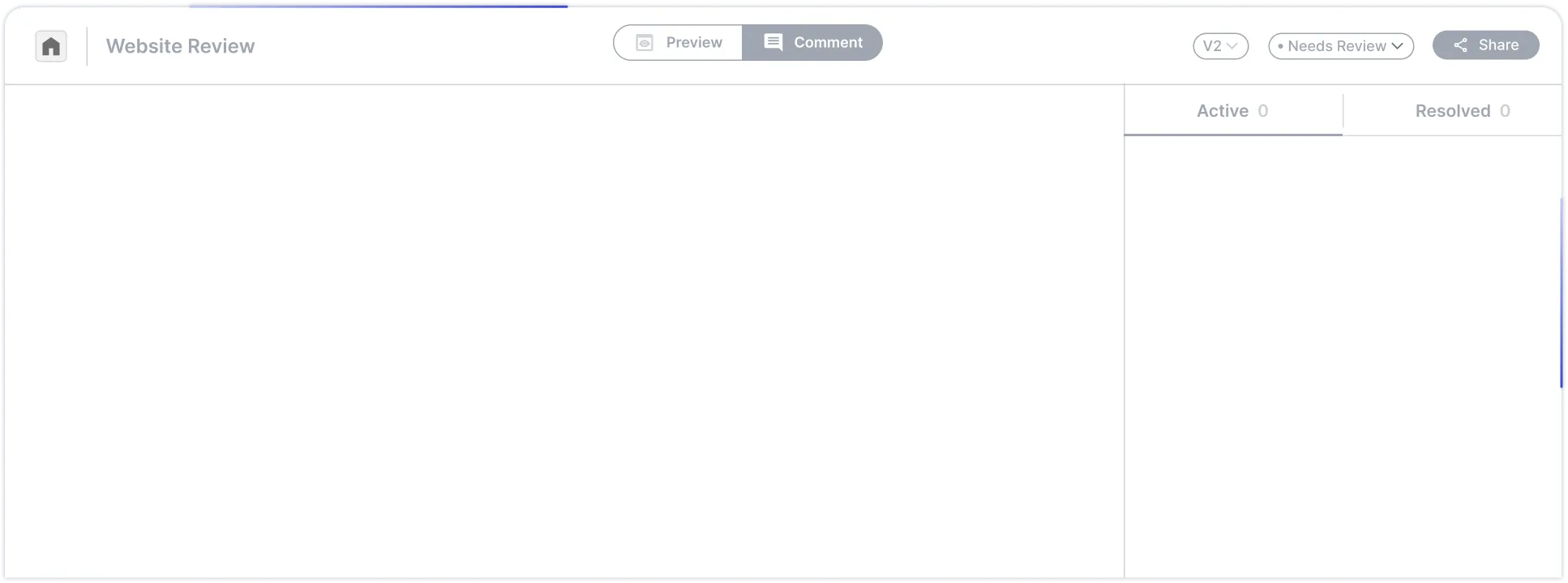
BugSmash transforms UAT from a chaotic, fragmented process into a clear, collaborative workflow. With contextual feedback, structured prioritization, and fast approvals, teams can ship products with confidence.
Get Started Free